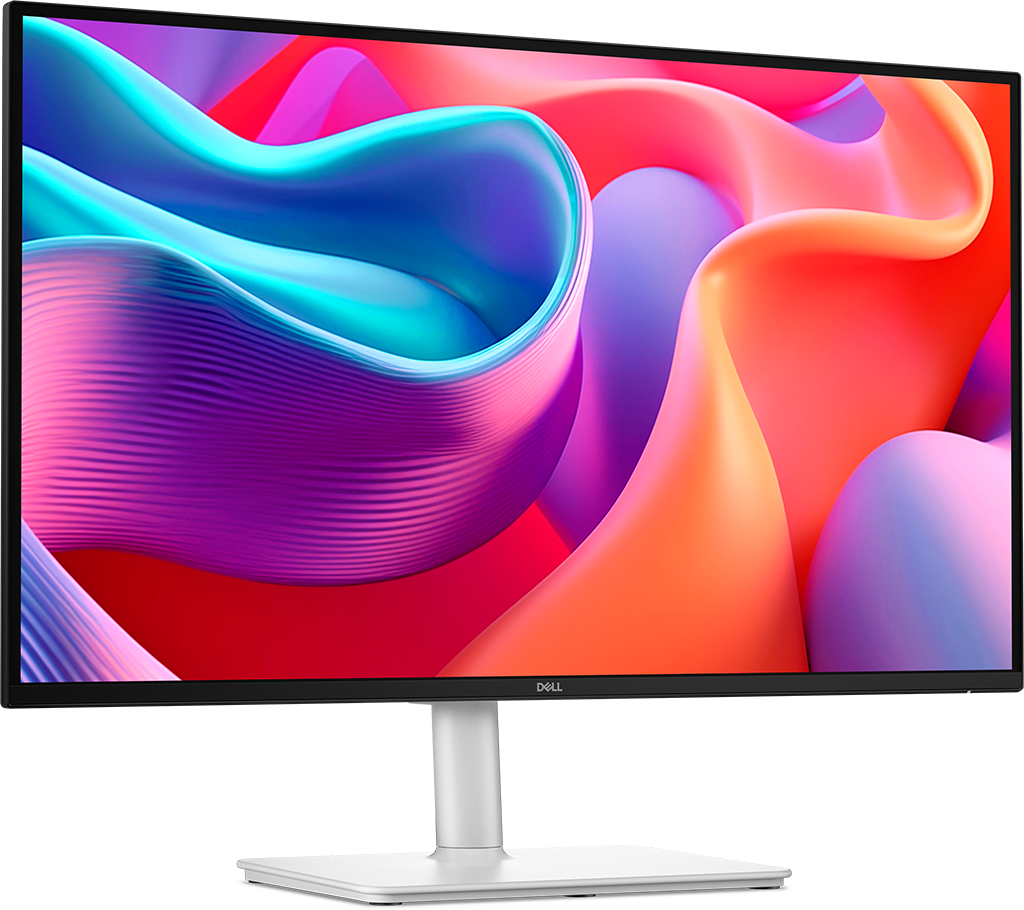
Choosing the right monitor can completely transform your experience — whether you’re gaming, working, editing photos, or just watching movies. With so many specs, sizes, and technologies available, it can be confusing to know what really matters.
This Ultimate Monitor Buying Guide for 2025 breaks down everything you need to know to choose the perfect monitor for your setup — no jargon, no confusion.
Step 1: Understand Your Primary Use Case
Before diving into specs, think about how you’ll use the monitor.
• Office & Productivity : 24–32” size, 1080p–1440p resolution, IPS panel, adjustable stand, eye-care features
• Gaming : 24–32” size, 1080p–1440p (or higher) resolution, 144Hz+ refresh rate, 1ms response time, G-Sync/FreeSync support
• Entertainment & Movies : Large screen (27”+), 4K UHD, high contrast, HDR support
• Content Creation : 4K resolution, wide color gamut (sRGB or DCI-P3), color accuracy (ΔE < 2), IPS or OLED panel
Step 2: Choose the Right Size
The sweet spot depends on your desk space and distance from the screen.
• 24–27 inches : Best for most users; balances workspace and sharpness.
• 32 inches and above : Ideal for multitasking or 4K content.
• Ultra-wide (34”–49”) : Replaces multi-monitor setups.
Step 3: Understand Panel Types
• IPS (In-Plane Switching) : Excellent colors, Wide Angles Slightly, Slower Response, For Design, Office, General use.
• TN (Twisted Nematic) : Fast response, low cost, Poor color accuracy and viewing angles, For Competitive Gaming.
• VA (Vertical Alignment) : Deep blacks, great contrast, Narrower angles, For Entertainment and Casual Gaming
• OLED : Perfect blacks, vibrant colors, wide viewing angles, For Premium Content Creation and Entertainment.
Step 4: Refresh Rate and Response Time
Refresh Rate
Measured in Hz, it indicates how many frames per second the monitor can display.
60Hz : Standard for office work and movies.
75–120Hz : Smoother everyday experience.
144–240Hz : For competitive gaming.
360Hz+ : Professional eSports level.
Response Time
Measured in milliseconds (ms) — lower is better.
1–2ms : Ideal For Gaming.
4–5ms : Fine For General Use.
Step 5: Adaptive Sync — G-Sync vs FreeSync
If you play games, adaptive sync prevents screen tearing and stutter.
G-Sync : NVIDIA's technology, requires a compatible GPU and monitor.
FreeSync : AMD's solution, more widely supported, often at lower cost.
Step 6: HDR, Brightness & Color Accuracy
HDR (High Dynamic Range) : Look for HDR10 support for better contrast and colors.
Brightness : 250-350 nits for general use, 600 nits+ for HDR content.
Color Accuracy : Designers should look for 99% sRGB or DCI-P3 coverage.
Step 7: Connectivity and Ergonomics
Ports
Ensure the monitor has the right ports for your devices:
HDMI 2.0 / 2.1 : modern gaming consoles and PCs
DisplayPort 1.4 / 2.0 : best for high refresh rates and resolutions
USB-C with Power Delivery : one cable for laptop display + charging
USB Hub / Audio Jack : convenient extras
Ergonomics
Look for adjustable stands (height, tilt, swivel) and VESA mount compatibility for better comfort.
Step 8: Additional Features Worth Considering
Blue Light Filter & Flicker-Free Technology : reduces eye strain during long sessions.
Built-in Speakers : convenient but often low quality.
Curved Screen : immersive experience, especially for ultra-wide monitors.
Still Not Sure Which Monitor Is Right for You?
Choosing the perfect monitor can still feel overwhelming — even with all the specs and features in mind. That’s why we built a simple interactive quiz to help you find the best monitor for your needs and budget in just a few clicks.
👉 Take the Monitor Finder Quiz and let our smart tool match you with the perfect display — whether you’re a gamer, designer, student, or professional.
You’ll get personalized recommendations based on:
1. Your budget 💰
2. Your main use (gaming, work, movies, editing, etc.) 🎮
3. Your preferred size and resolution 🖥️
And other key features that matter most to you ⚙️
✅ Fast. Free. Accurate.
Stop guessing — start choosing smarter.